A search for how to convert pdf to gif online free almost always leads to a browser-based tool that requires uploading the PDF to a remote server before returning a converted GIF. For personal, non-sensitive files that might be fine, but it becomes a real concern the moment the document contains anything private, and most free tools also cap file size or page count.
An offline desktop alternative avoids the upload step entirely, converting every page to GIF directly on your own computer, with no file size restrictions and no watermarks added to the output.
Batchify PDF Converter runs on Windows 10 and Windows 11, both 64-bit, and installs as a single self-contained application with no separate Poppler or Ghostscript dependency to configure. That keeps setup to a couple of minutes, whether the app is going on a personal laptop or a shared office PC handling document conversion for a whole team.
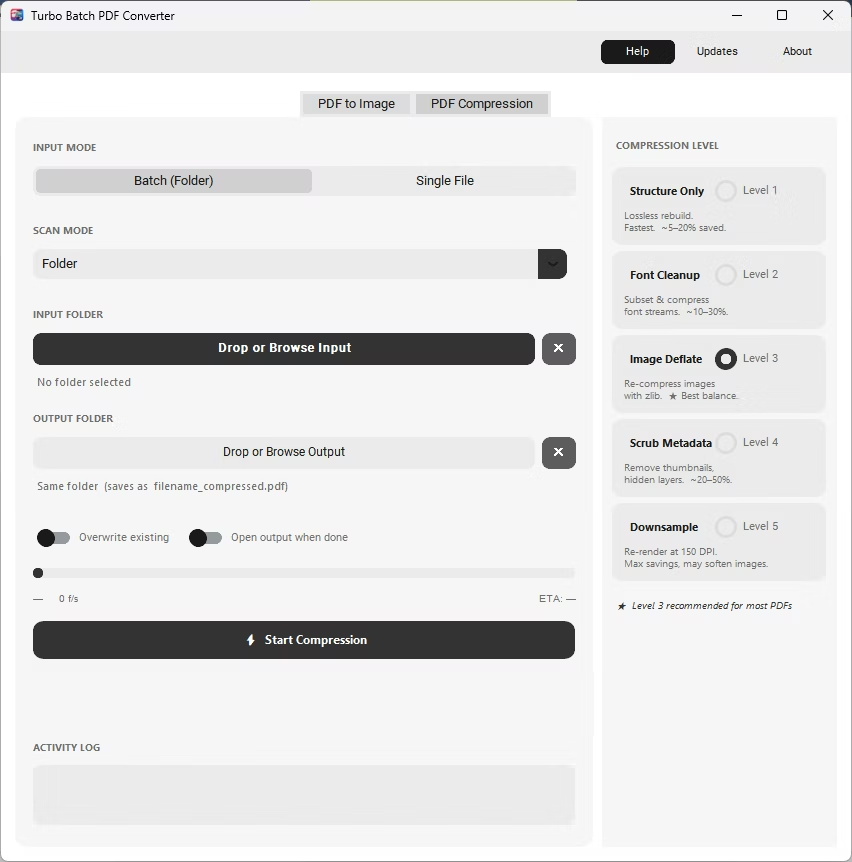
The same app also includes a built-in PDF compressor with five compression levels, so shrinking file sizes for email or storage doesn't require switching to a separate tool. Everything runs locally through a one-time Gumroad license, without a recurring subscription, and pairs naturally with other BatchifyApp utilities such as Batchify Renaming Tool for organizing converted files afterward.
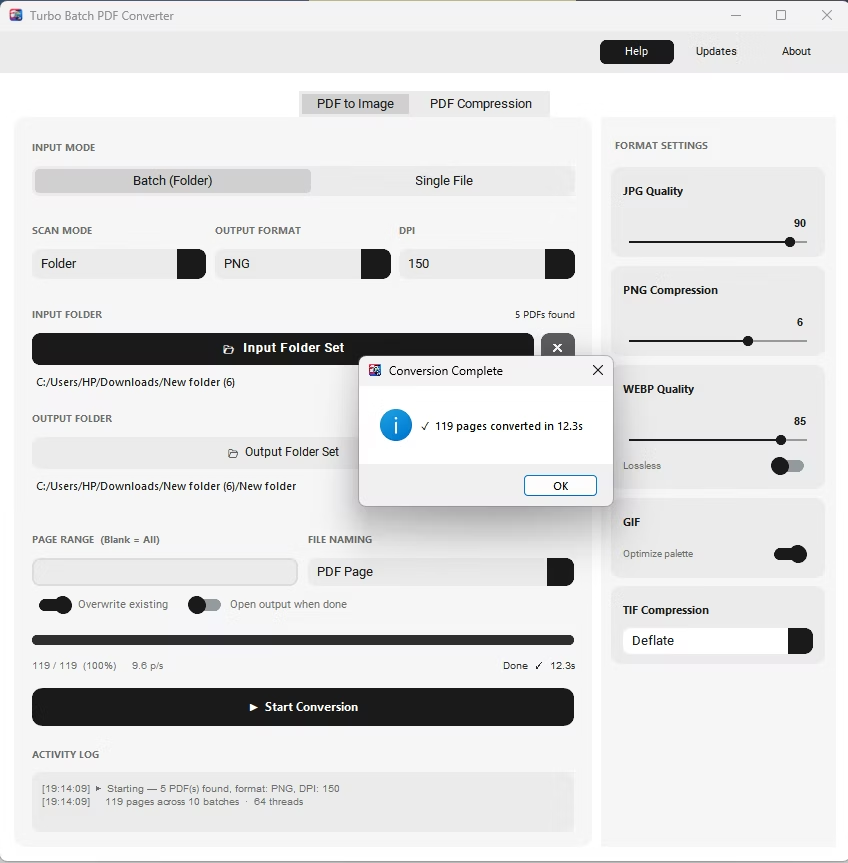
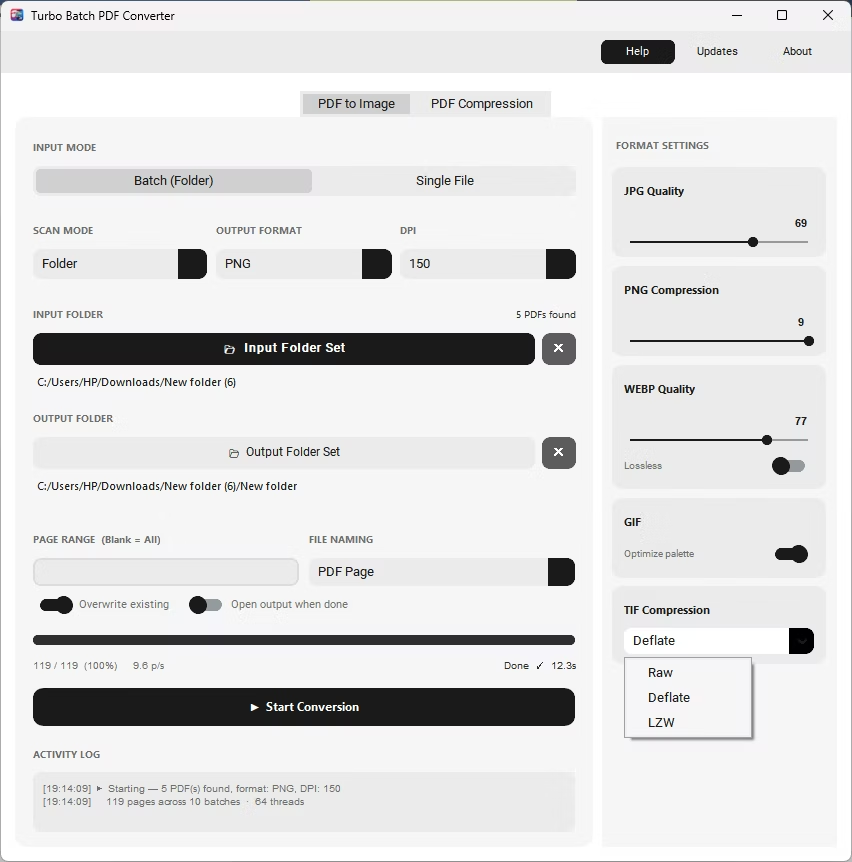
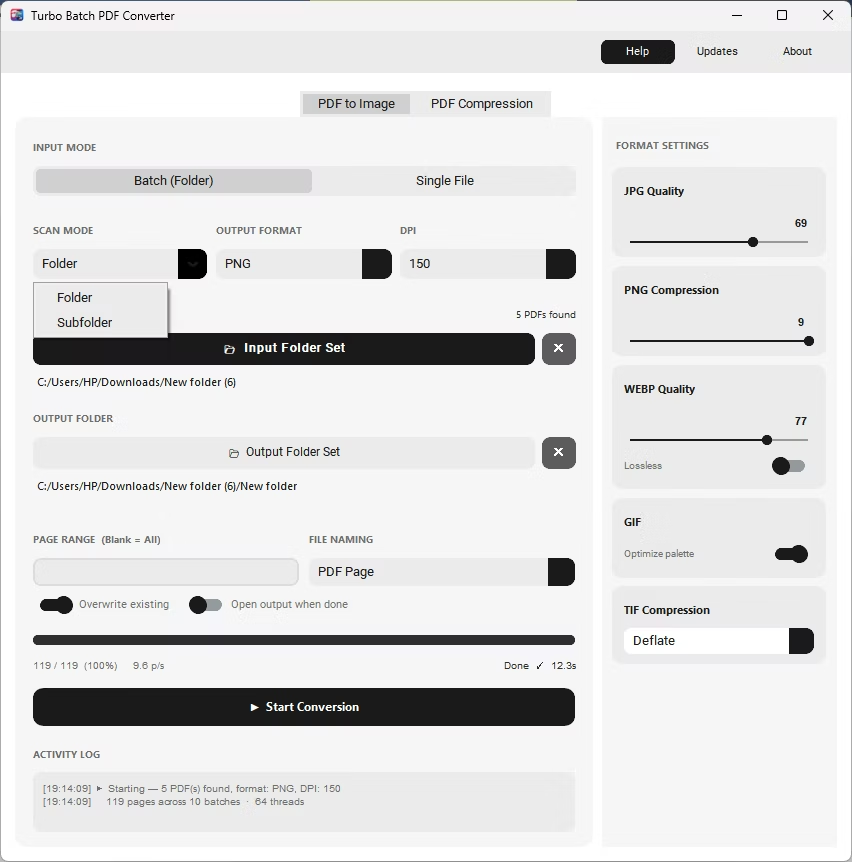
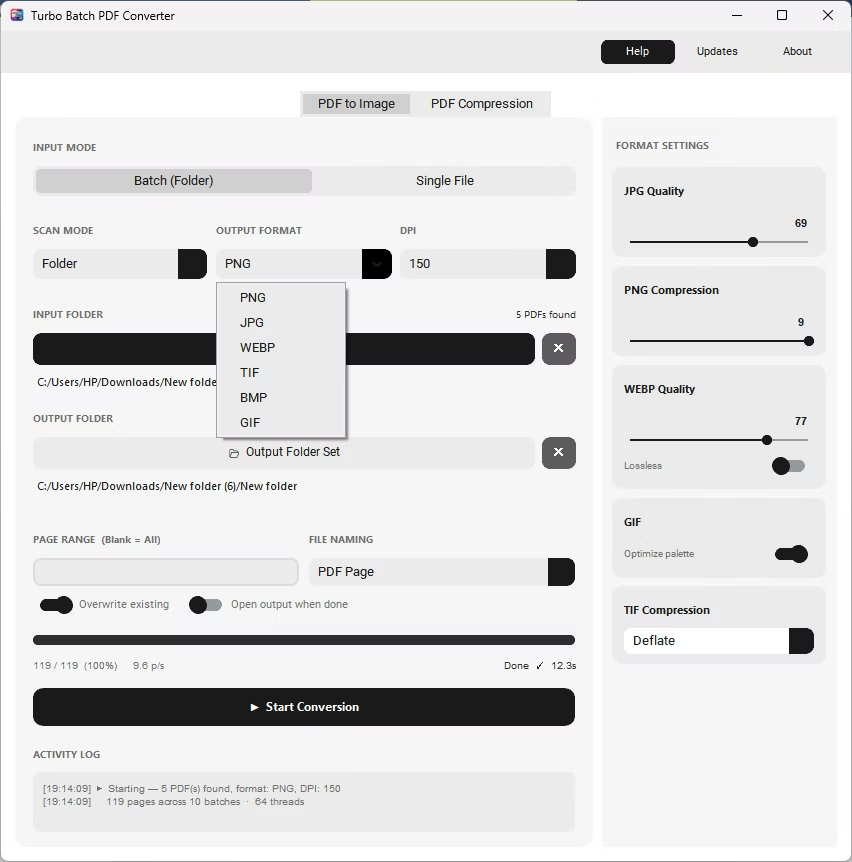
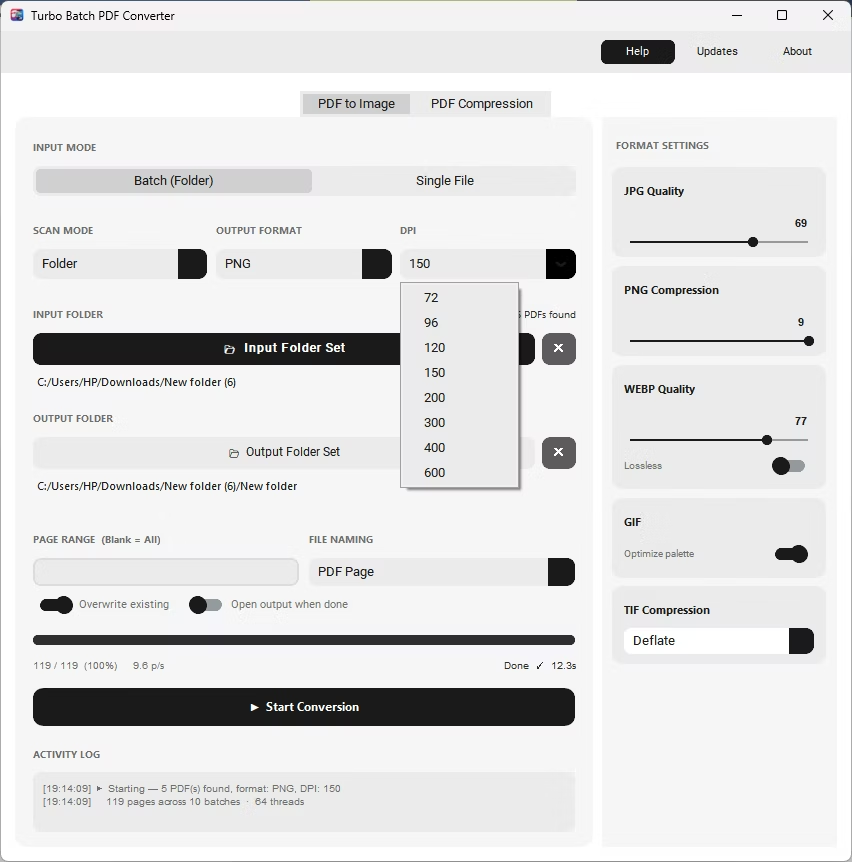
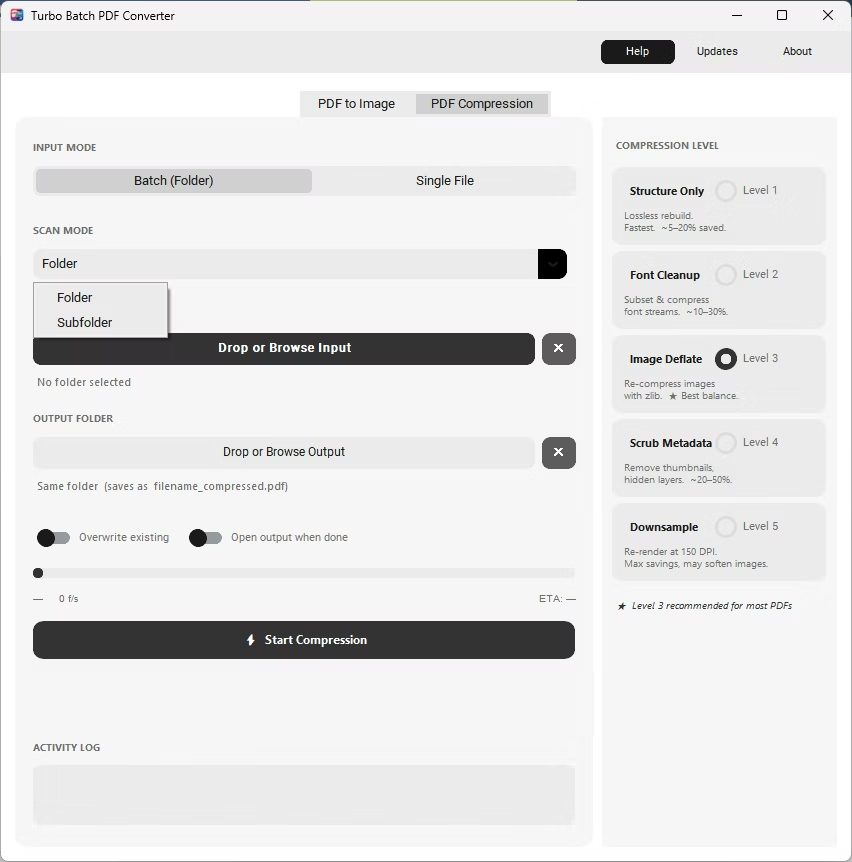
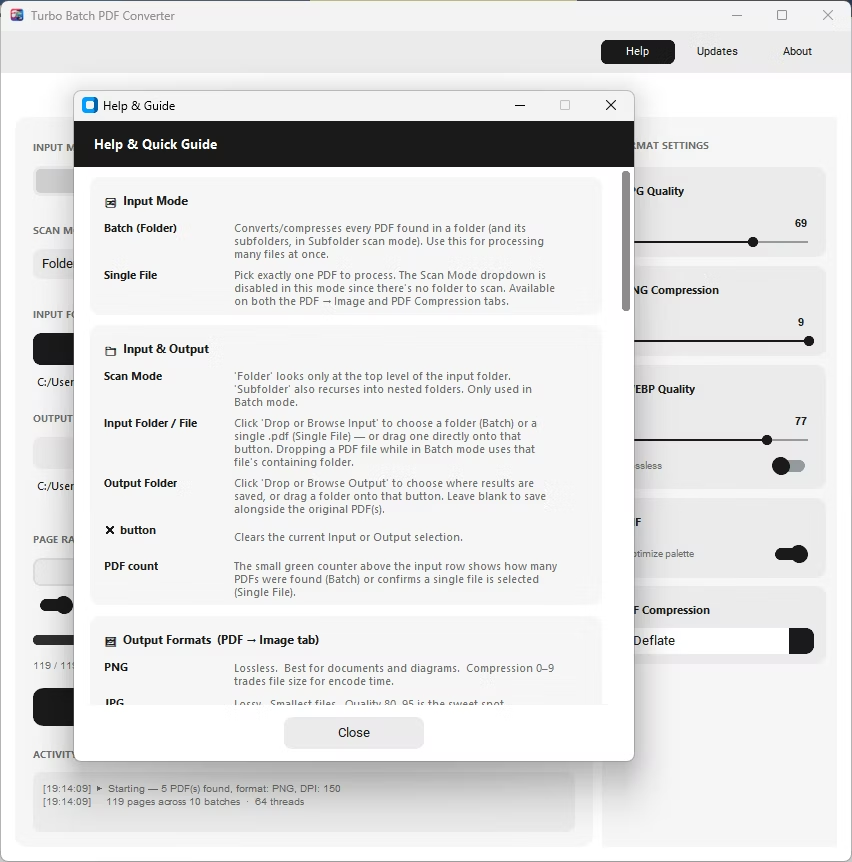
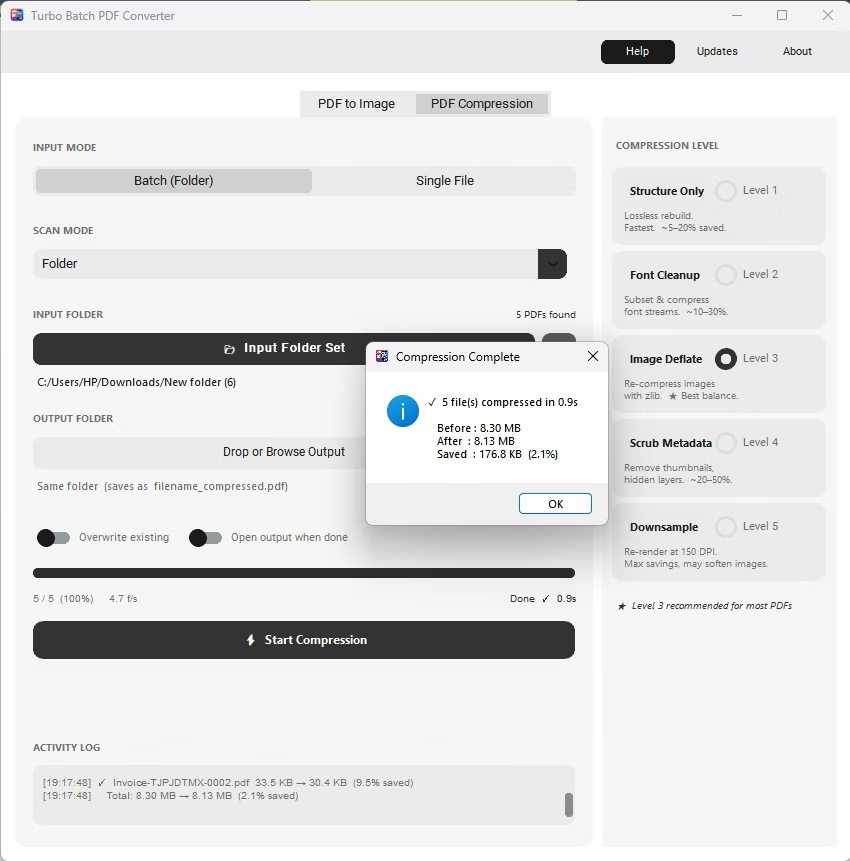
- Install Batchify PDF Converter on your Windows PC instead of using a browser-based tool.
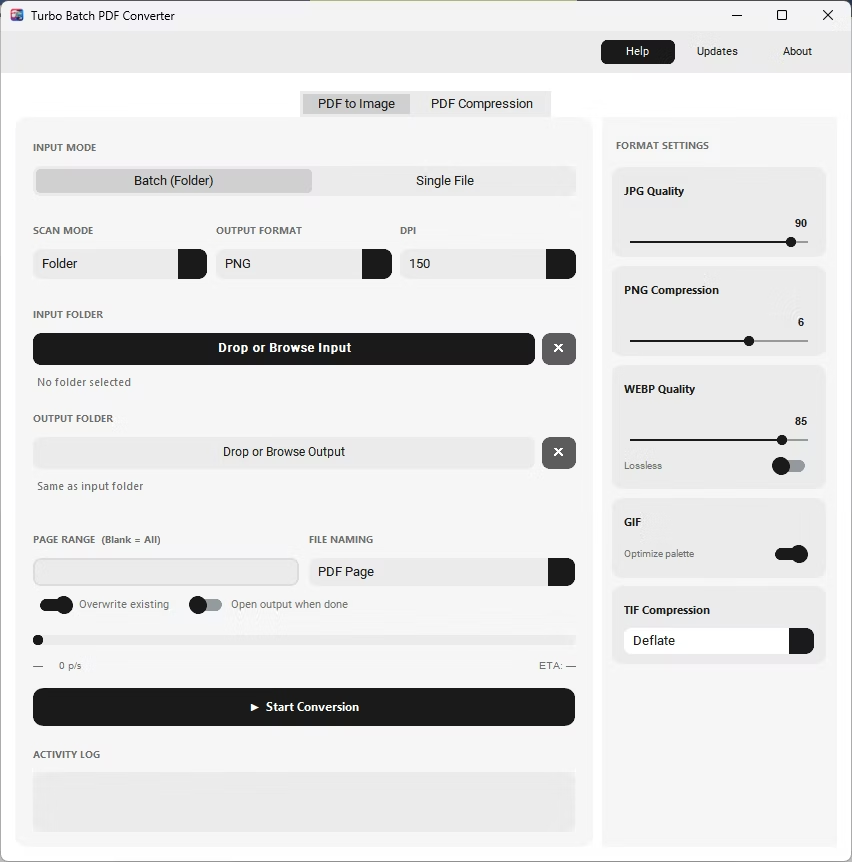
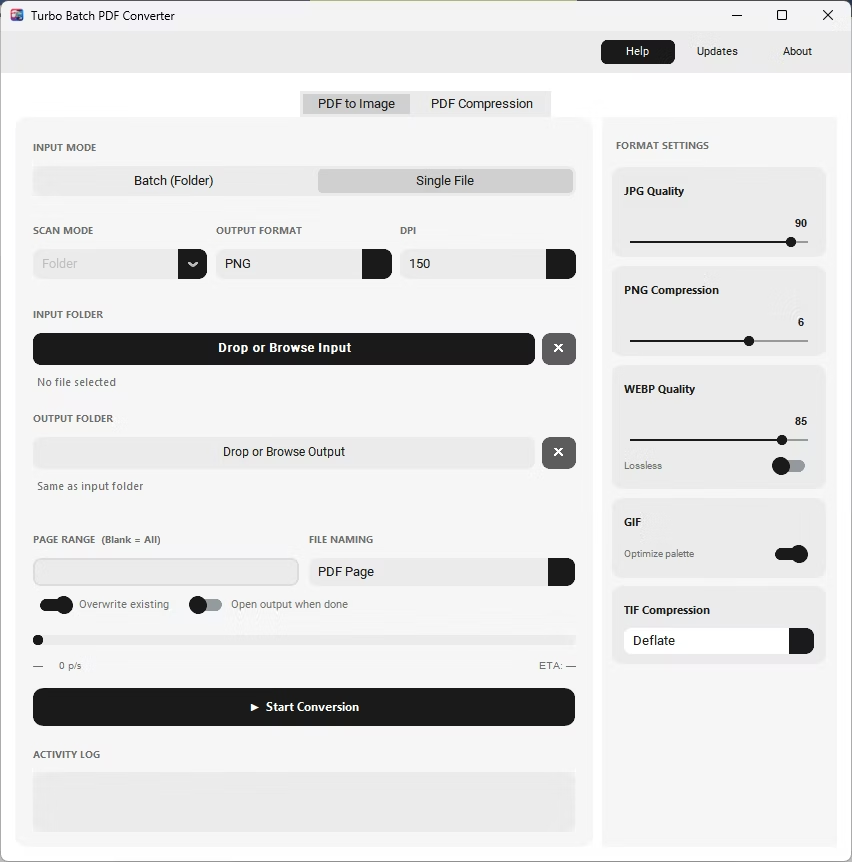
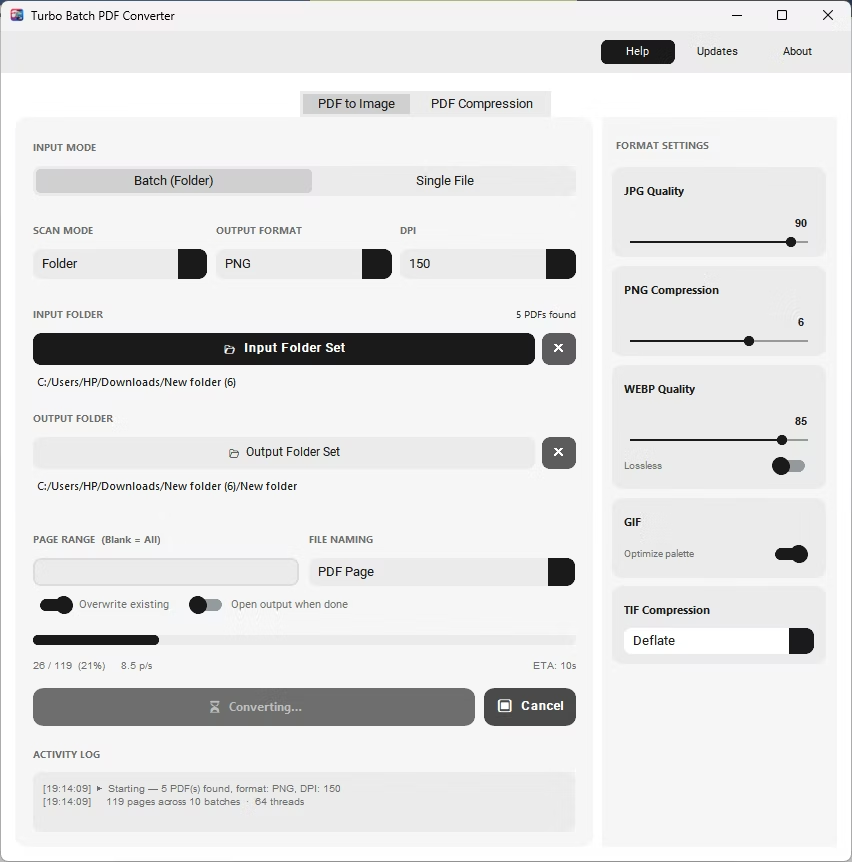
- Open the app and select your PDF file or folder — no upload step involved.
- Set the output format to GIF and enable the Optimize Palette toggle if desired.
- Click Start Conversion. Every page renders to GIF directly on your PC.
- Repeat for any number of PDFs, all without ever leaving your computer.
- No file upload, so document content stays private
- No page-count or file-size limits imposed by a web service
- No watermarks added to converted GIF images
- Works without an internet connection once installed
- Batch conversion of entire folders, unlike most single-file online tools
- One-time purchase instead of a recurring subscription
Is it actually free to try?
Yes, a free trial demo is available so you can test PDF to GIF conversion before deciding whether to purchase a license.
Why avoid uploading PDFs to online converters?
Uploading sends document content to a third-party server, which is a real concern for confidential files and also depends on that server's availability and limits.
Does offline conversion produce the same GIF quality?
Yes, the app uses the same adaptive 256-color palette approach as most GIF converters, with an optional optimization toggle for smaller files.
Ready to convert your PDFs offline, in bulk, with full privacy?