batchifyapp BATCHIFY

Batchify has been rebranded as TurboSoft. Please visit www.turbo-soft.com for more information. Mail us at support@turbo-soft.com

Batchify Image Converter & Resizer PRO

  • Fastest Batch Image Converter & Resizer in Market
  • Supports 25 Image Formats & 47 Raw Formats
  • Supports JPEG, JPG, PNG, HEIC, HEIF, AVIF, WEBP, GIF, BMP, TIFF, TIF, SVG, ICO, PSD, TGA, DDS, JPEG2000, EXR, HDR, WBMP, PCX, PPM, PGM, PBM, RAW
  • High Speed Bulk Image Conversion
  • Worker Based Conversion Speed Control
  • Auto-Delete Original Files after Conversion
  • High Speed Bulk Image Resizing
  • Nested Sub-Folder Auto Conversion
  • Drag & Drop Input | Output Folders
  • Supports Heavy Workload - 100K+ Images
  • Portable Windows Application
  • Offline Conversion
  • Fastest Image Converter in Market
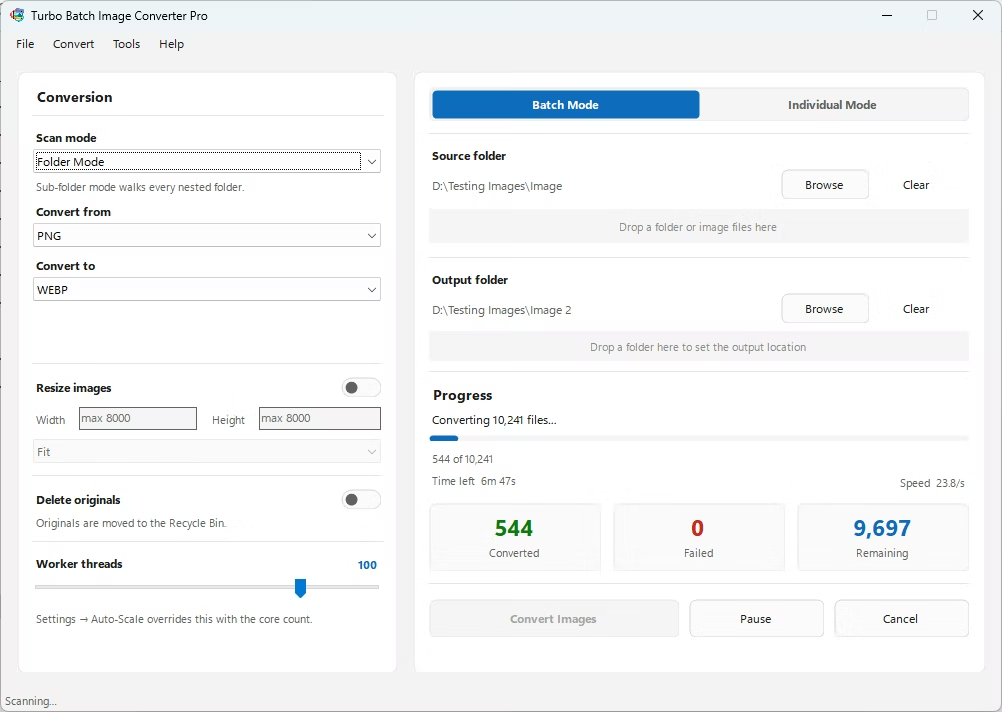
  • Real Time ETA | Conversion Speed
  • Lossy & Lossless Compression Settings
  • Lifetime License Validity
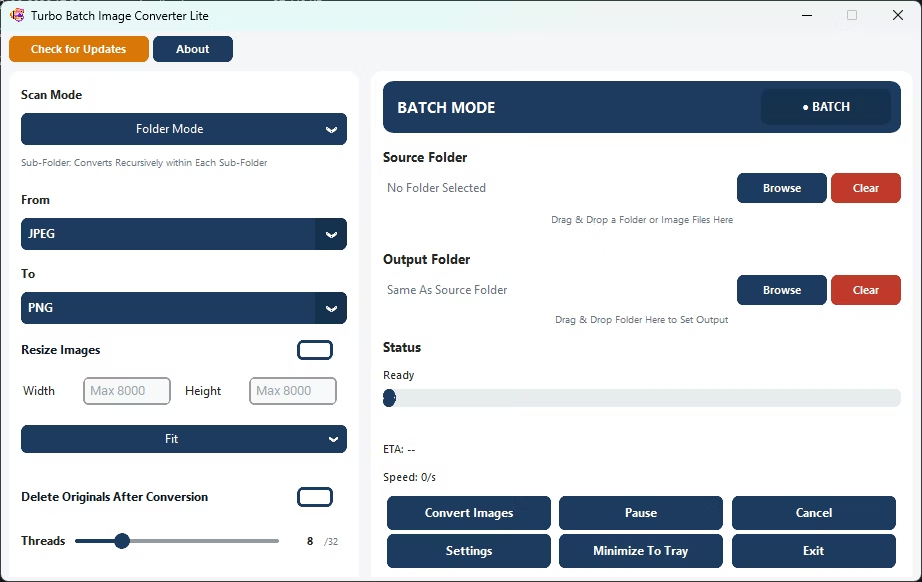
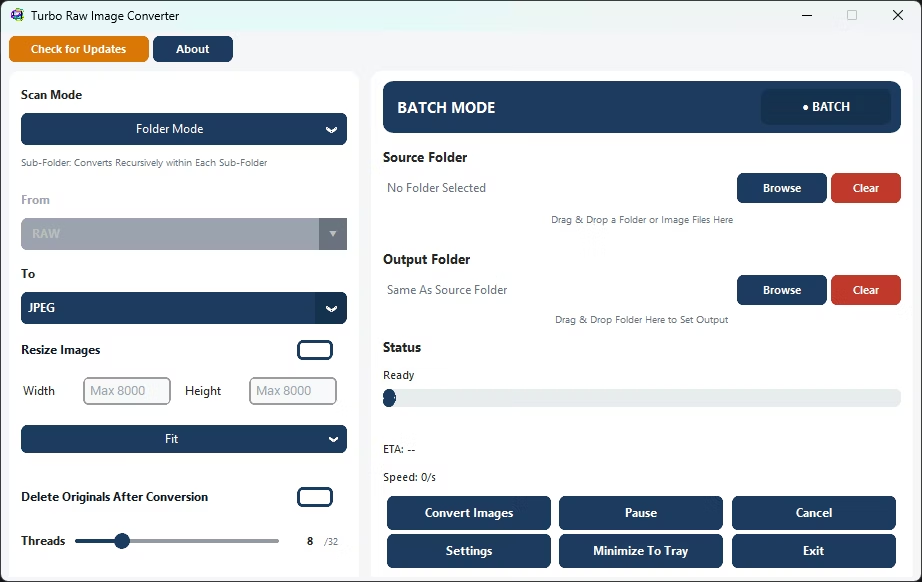
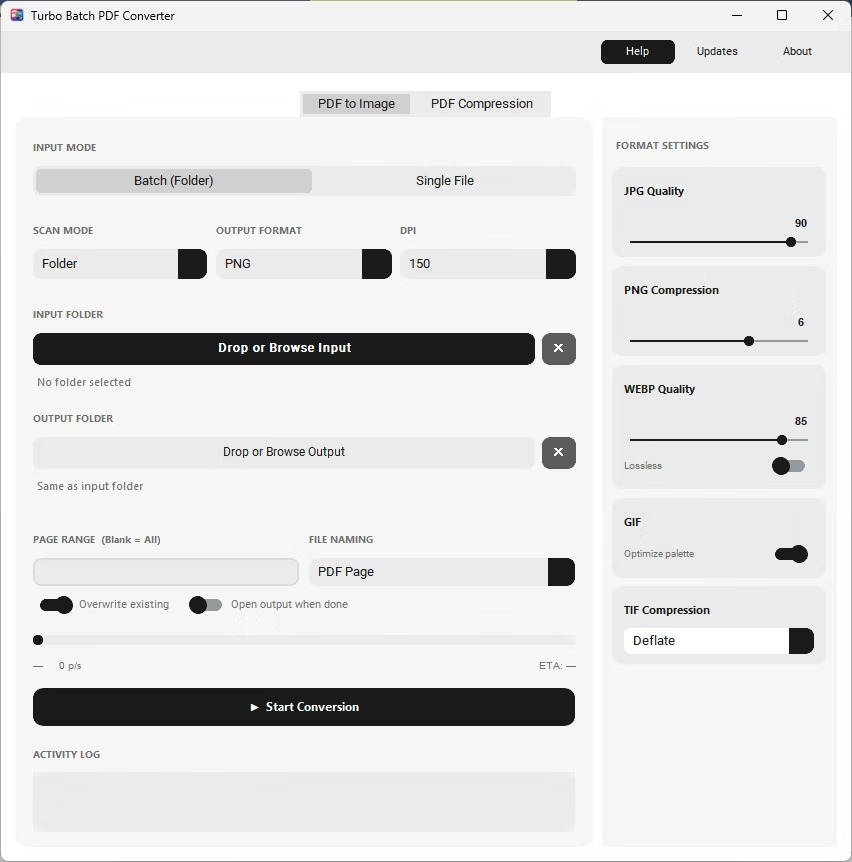
Batchify image converter and reziser app home screen Batchify image converter and reziser app input formats Batchify image converter and reziser app output formats bulk image converter app features bulk image converter app formats

Batchify PRO - Fastest Batch Image Converter + Resizer for all Major Image Formats

Supported Inputs:

JPEG, JPG, PNG, HEIC, HEIF, AVIF, WEBP, GIF, BMP, TIFF, TIF, SVG, ICO, PSD, TGA, DDS, JPEG2000, EXR, HDR, WBMP, PCX, PPM, PGM, PBM, RAW

Supported Raw Inputs:

3FR, ARI, ARW, BAY, CRW, CR2, CR3, CAP, DCS, DCR, DNG, DRF, EIP, ERF, FFF, GPR, IIQ, K25, KDC, MDC, MEF, MOS, MRW, NEF, NRW, ORF, PEF, PTX, PXN, R3D, RAF, RAW, RW2, RWL, RWZ, SR2, SRF, SRW, X3F, RW1, RWL2, SRW2, CS1, STX, TIFRAW, BMQ, RMOS

Supported Outputs:

JPEG, JPG, PNG, HEIC, HEIF, AVIF, WEBP, GIF, BMP, TIFF, TIF, SVG, ICO, PSD, TGA, DDS, JPEG2000, EXR, HDR, WBMP, PCX, PPM, PGM, PBM, RAW

Features:

Performance:

Safety:

Single Mode

Convert a single image file to any supported output format in one click. Browse or drag-and-drop any image file directly into the app. The input format is detected automatically—no manual "From" selection needed. Resize options, quality settings, and delete-original are all available. Progress is shown live with a status bar and filename. Ideal for quick one-off conversions without setting up a full batch job.

Batch Mode

Convert an entire folder (or folder tree) of images in a single run. Select a source folder, choose your input and output formats, set an optional output folder, and click Convert. The app scans all matching files and processes them across multiple parallel workers simultaneously. Real-time progress shows files converted, speed, failures, and estimated time remaining. Supports Pause, Resume, and Cancel at any point. Handles 1,000 to 100,000+ files stably in a single session.

Batch Image Resizing

Set custom width and height (up to 8,000 px). Choose Fit, Fill, or Stretch mode. Resize hundreds of images across nested sub-folders in one pass. Convert and resize simultaneously.

Nested Sub-Folder Recursive Conversion

Enable Sub-Folder Mode to recursively process all nested folders. No manual selection needed—the app scans entire directory trees automatically and mirrors the folder structure in the output.

Safe Delete Original Files After Conversion

Original files are moved to the Recycle Bin—not permanently deleted. Safe for cleanup after conversion. Perfect for replacing PNG files with WebP in bulk.

Up to 32 Parallel Workers

Scale up to 32 concurrent workers to maximize speed. Auto-scale mode assigns the optimal worker count for your CPU. Dramatically reduces processing time on large batches.

High-Speed Batch Processing Engine

Multi-threaded engine handles 1,000 to 100,000+ files with consistent speed and stability. Smart worker management keeps the engine running fast throughout the entire session.

Advanced Batch Image Resizer

Professional resize modes built-in: Fit (aspect-safe), Fill (smart crop), and Stretch (forced exact dimensions). All three modes work seamlessly with batch conversion in one pass.

Real-Time Conversion Dashboard

Live display of files processed, success and failure counts, real-time speed in files per second, estimated time remaining, and the current file name—updated every 250 ms.

High-Volume Batch Stability

Engineered for 10,000–100,000+ image workloads. Memory is managed automatically throughout the session to maintain consistent speed without slowdown.

Drag and Drop Input / Output

Drop folders directly into the app window or browse manually. The app automatically scans all supported image formats in the selected folder.

100% Offline - No Internet Required

All conversion happens locally on your PC. No cloud uploads, no file size limits, no internet connection needed during conversion. Unlimited batch size.

Convert Images in Bulk

A fast and dependable bulk image converter for large-scale format conversion. No cloud uploads, no waiting queues, no online tool limitations.

Bulk Image Resizer

Apply custom dimensions to complete folders at once. Ideal for e-commerce catalogs, websites, photography archives, design libraries, and content teams.

Fast Batch Image Converter to Convert Images in Bulk

Batchify is a high-performance batch image converter designed to convert images in bulk without slowing down your system. Whether you are processing hundreds or thousands of files, this fast image converter tool ensures smooth and reliable output with consistent quality across all formats.

Bulk Image Resizer – Resize Images in Bulk Instantly

As a powerful bulk image resizer, Batchify allows you to resize images in bulk with precision. You can define custom dimensions and apply them across entire folders, making it the ideal batch image resizer for web optimization, e-commerce, and content workflows.

Offline Image Converter Software for Windows

Batchify works as a fully offline image converter, meaning your files never leave your system. This desktop image converter without internet ensures privacy, speed, and complete control over your image processing tasks.

Image Format Converter with High Quality Output

Convert between formats like JPG, PNG, WEBP, HEIC, and more using this advanced image format converter. Batchify is a high quality image converter software that preserves details while offering compression and optimization features.

Major Features:

Batchify is in built with five major features.

Batch Image Resizing:

Enable "Resize Images" to activate bulk resizing. Set custom Width and Height (up to 8000px). Choose your resize behavior: Fit – Maintains aspect ratio and fits inside given dimensions (no distortion). Fill – Fills the entire dimension while preserving aspect ratio (may crop). Stretch – Forces exact dimensions (may distort image). Works in full Batch Mode — resize hundreds of images at once. Compatible with Sub Folder Mode — automatically scans and resizes images inside all nested folders. Ideal for: Website optimization, E-commerce image preparation, Social media resizing, Bulk compression workflows

Automatic Nested Sub-Folder Conversion:

Activate Sub-Folder Mode to process images recursively inside all nested folders. No need to manually open or select individual subfolders. Automatically scans the entire directory tree and converts every supported image found. Maintains workflow efficiency for photographers, designers, and large media libraries. Ideal for bulk operations on structured project folders.

Safe Delete Original Files:

Automatically remove original images once conversion is complete. Eliminates manual cleanup after batch processing. Files are sent to the Recycle Bin — not permanently deleted. Adds safety while keeping your folders clean and optimized. Perfect for format replacement workflows (e.g., PNG to WebP).

Parallel Workers (Multi-Core Processing):

Choose how many workers process images simultaneously. Scale up to 32 parallel workers for maximum performance. Utilizes multi-core CPU power efficiently. Dramatically reduces processing time for large batches. Adjustable performance based on your system capability.

High-Speed Batch Processing Engine:

Batchify Image Converter & Resizer is built with a high-performance multi-threaded processing engine designed for ultra-fast batch image conversion. Leveraging intelligent parallel workers and optimized memory management, Batchify efficiently utilizes available CPU cores to process thousands of images within minutes. Whether handling 1,000, 10,000, or even 100,000 files, the application maintains consistent speed, stability, and system responsiveness. The Auto-Scale Workers feature dynamically selects the optimal number of parallel processing threads based on your system specifications, ensuring maximum throughput without overwhelming system resources. This advanced processing architecture significantly reduces conversion time while maintaining output quality, making Batchify ideal for photographers, developers, e-commerce sellers, and businesses that require rapid bulk image conversion at scale.

Demo Videos

Watch detailed demo illustrating Batchify's capabilities and workflow.

Demo Video 1

Batch Conversion & Nested Sub-Folder Conversion

Demo Video 2

RAW Image Conversion

Demo Video 3

HEIC Image Conversion

Minimum System Requirements:

Recommended System Requirements