Batchify Softwares
Activating Your Batchify Licence Key
are activated using a license key issued by Gumroad. The activation process is simple and takes only a few minutes.Step 1 — Purchase and Download the Software from Gumroad
Purchase Batchify from Gumroad using your email address. After successful payment, Gumroad:
- Sends a download link to your registered email address
- Sends a unique license key to the same email address
Important: The license key is linked to the email address used during purchase.
Step 2 — Download and Open the Software
Download the ZIP file from the Gumroad email or dashboard. Unzip the downloaded file. Batchify apps are either setup installer files or portable applications.
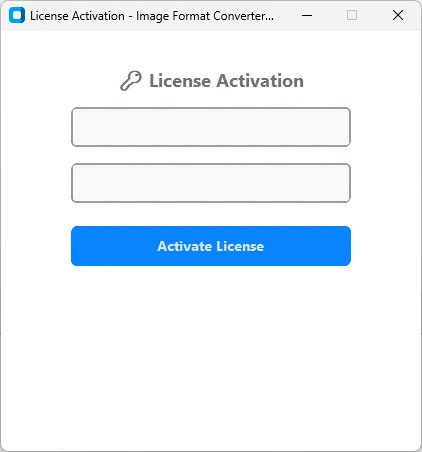
Step 3 — Enter License Details
When the application starts, the License Activation Window will appear.
- Enter the Email ID used during the Gumroad purchase
- Enter the License Key received from Gumroad
- Ensure there are no extra spaces while copying and pasting
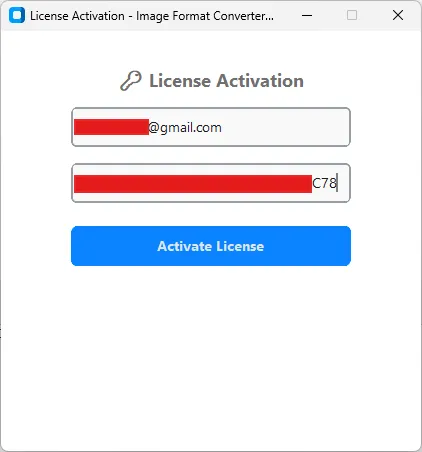
Step 4 — Activate License
Click on the Activate License button. Batchify will open the License Verification Window and securely verify:
- Your Email ID
- Your License Key
- Your purchase record from Gumroad
Note: An active internet connection is required only during activation.
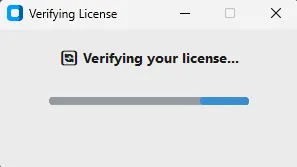
Step 5 — License Verification Result
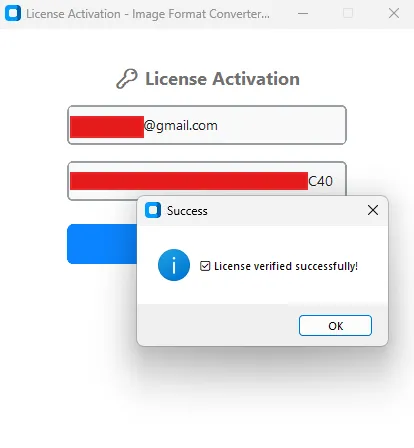
If Verification Succeeds:
The entered Email ID and License Key match your Gumroad purchase. The license is activated successfully and Batchify launches automatically, ready for use.
The entered Email ID and License Key match your Gumroad purchase. The license is activated successfully and Batchify launches automatically, ready for use.
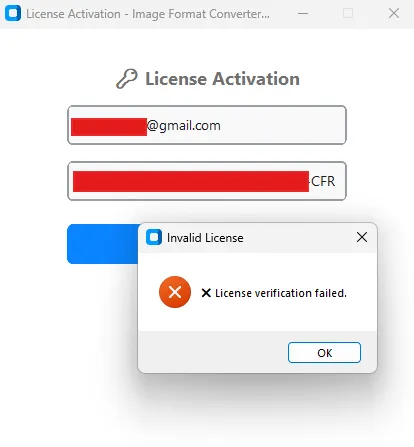
If Verification Fails
License verification may fail if:
The entered Email ID does not match the Gumroad purchase email • The License Key is incorrect or incomplete • There is no internet connectivity during activation • Activation is blocked by firewall or antivirus software
The entered Email ID does not match the Gumroad purchase email • The License Key is incorrect or incomplete • There is no internet connectivity during activation • Activation is blocked by firewall or antivirus software
After Successful Activation
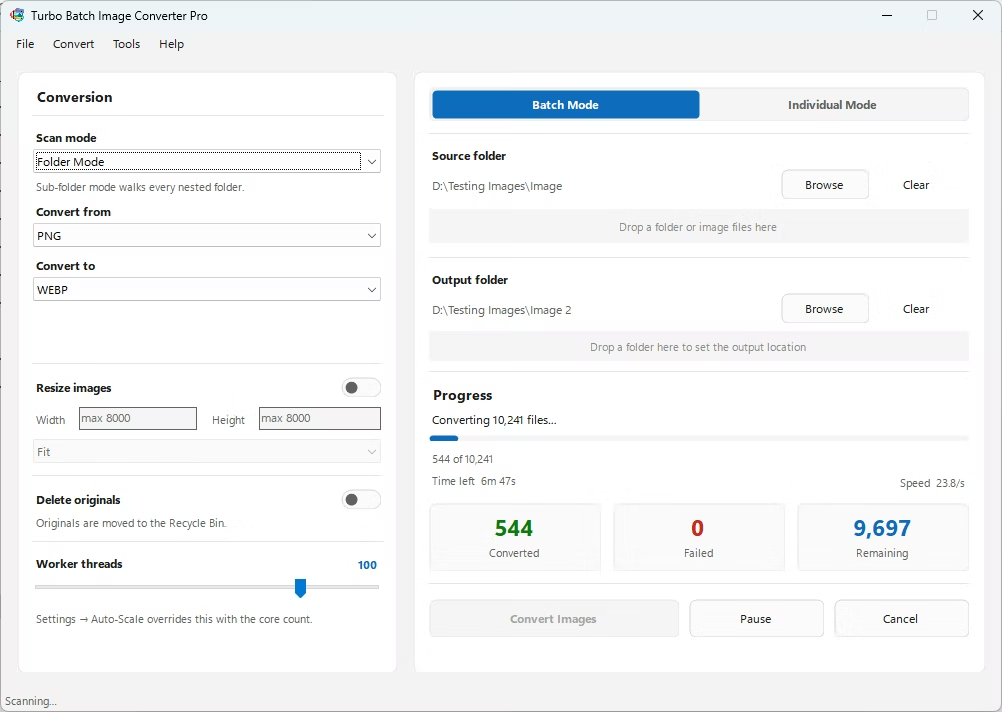
Once the license verification is successful, the application launches automatically and is ready for use.
✓ Batchify launches normally
✓ No repeated activation is required for regular use
✓ All Pro features become fully accessible
✓ No repeated activation is required for regular use
✓ All Pro features become fully accessible
Troubleshooting Activation Issues
If activation fails, please check the following:
- Confirm the Email ID is exactly the same as used on Gumroad
- Re-check the License Key for typing or copy-paste errors
- Ensure your system has active internet access
- Temporarily disable or whitelist Batchify in antivirus / firewall software
If the issue still persists — contact support: contactturbosoft@gmail.com
Include:
- Your Gumroad purchase email address
- The license key received
- A brief description of the issue